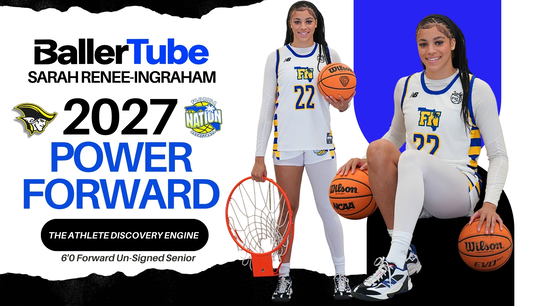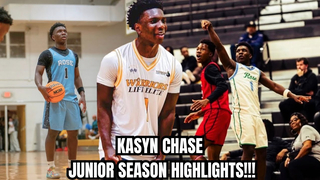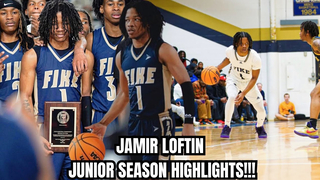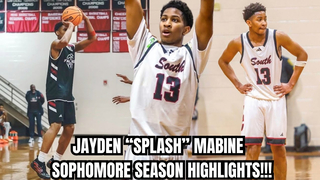

For a high school athlete hoping to compete at the college level, good performances are only part of the recruiting process. Coaches cannot attend every game or personally evaluate every athlete. A well-made highlight video can therefore become an important introduction to your ability, decision-making, and overall game.
Knowing How to Make a Sports Highlight Video effectively is less about flashy editing and more about helping a coach evaluate you quickly. The best videos make the athlete easy to identify, put relevant plays first, and show skills that translate to the next level.
Start With Your Strongest Moments
Do not build the video chronologically just because the games happened in that order. Your first few clips should immediately demonstrate why a coach should continue watching.
For a basketball player, that could mean a strong defensive sequence, a well-timed pass, a successful finish through contact, or a quality shooting possession. A football player might open with an explosive run, route, tackle, block, or coverage play depending on the position.
Choose plays that show repeatable ability rather than relying entirely on one spectacular moment.

Make Yourself Easy to Identify
One of the most common problems with recruiting videos is making the viewer search for the athlete before every play. Coaches should know immediately where to look.
Before each clip begins, briefly use an arrow, circle, spotlight, or another simple marker to identify yourself. Remove it once the action starts so it does not obscure the play.
Include basic information near the beginning, such as your name, graduation year, position, school or club, and jersey number. Relevant contact information can also be useful when the video is being shared directly for recruiting purposes.
Show More Than a Highlight-Reel Skill Set
Big scoring plays naturally stand out, but coaches often want to understand what happens between those moments.
A point guard, for example, can include clips showing ball pressure, transition decisions, passing reads, and off-ball movement in addition to scoring. A soccer player may show positioning, passing, defensive recovery, and movement away from the ball.
Think about what your position requires and select clips accordingly. A video that shows several parts of your game usually provides more context than one made entirely of similar scoring plays.
Keep the Editing Clean
Recruiting footage does not need cinematic transitions, dramatic effects, or long introductions. Those elements can actually slow down the evaluation process.
Keep transitions straightforward and let the sports footage do most of the work. Avoid placing graphics over the important action. Music is optional, but it should never overpower the video or distract from what is happening.
The purpose is not to demonstrate editing talent. It is to help someone understand your athletic ability efficiently.
Use Footage That Gives Proper Context
Extremely tight crops can make a play difficult to evaluate because they hide spacing, positioning, and what happened before the final action.
Whenever possible, use footage that keeps enough of the field or court visible. Coaches may want to see how you recognised a developing situation rather than only watching the final shot, catch, or finish.
Game footage is particularly valuable because it shows skills being performed against real opposition and within a competitive setting.
Avoid Making the Video Too Long
You do not need to include every positive moment from an entire season. More footage does not automatically make a stronger recruiting video.
Remove repeated clips when they demonstrate essentially the same skill. If three plays prove a point, including eight nearly identical examples may only make the video feel repetitive.
Save full-game footage separately. If a coach wants additional evaluation material after watching the highlights, longer game recordings can provide much more context.
Update the Video as Your Season Develops
A recruiting video should not remain unchanged while your game improves. New competition may provide stronger footage, different roles, or better examples of skills you have developed.
Review your clips periodically and replace weaker plays. An athlete who created a video early in the season may have significantly better material a few months later.
Keeping footage organised by game and date makes this process much easier.
Make Sharing Easy
Even a strong video is less useful if coaches struggle to access it. Before sending it anywhere, check that the link works correctly and that the video can be viewed easily on both desktop and mobile devices.
Give the video a clear title rather than using a generic filename. If you maintain an athlete profile, keep current highlights, game footage, and basic player information organised so a recruiter can understand who you are without searching across multiple places.
Do Not Forget the Bigger Recruiting Picture
A highlight video can introduce your game, but recruiting involves more than one video. Academic preparation, communication, competition level, development, and the needs of individual college programs can all affect opportunities.
Treat your video as one useful piece of your overall athletic profile. Make it accurate, current, easy to evaluate, and representative of how you actually play.
Conclusion
A strong recruiting video should answer a simple question quickly: what can this athlete contribute? Lead with meaningful plays, identify yourself clearly, provide enough game context, and remove editing that does not help evaluation.
Athletes can also use sports-focused platforms such as BallerTube.com as part of the way they organise and present their athletic video presence. The most important goal is to make sure your best performances are easy to find, easy to watch, and supported by footage that shows the wider player behind the highlights.